

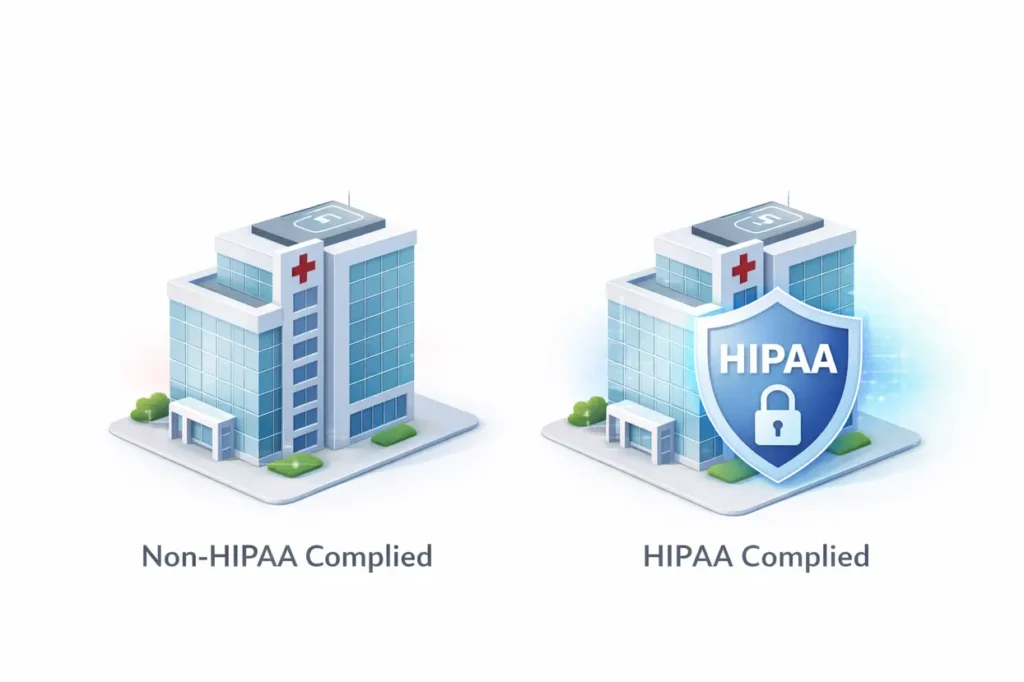
Most HIPAA violations do not come from cyberattacks or rogue employees. They come from everyday tools that seem harmless, like email, contact forms, or shared logins. In fact, many healthcare organizations discover they are non-compliant only after an audit or patient complaint. What makes this more dangerous is that these mistakes often go unnoticed for months or even years. The good news is that the most common HIPAA violations follow clear patterns. Once you understand them, they are much easier to prevent.
1. Using Regular Email for Patient Information
What goes wrong
Patient details, reports, or appointment information are sent using standard email services like Gmail or Outlook. This often happens automatically when a website form sends submissions straight to an inbox, or when staff reply to patients using regular email without thinking twice.
Why it is risky
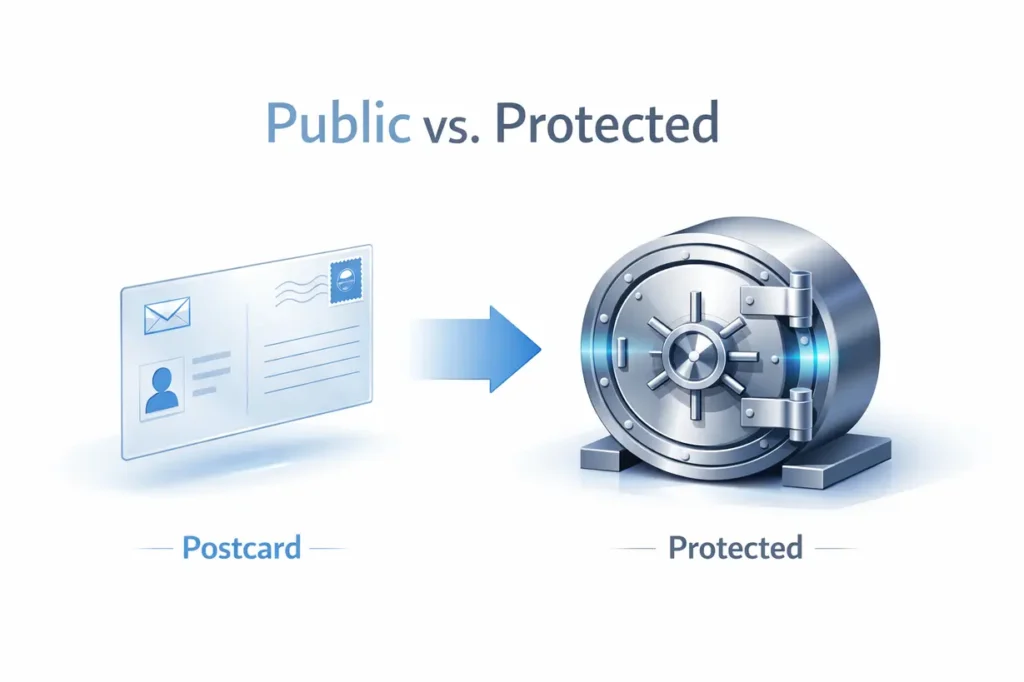
Regular email works like a postcard. The message travels through multiple servers and can be read if intercepted. Once patient information leaves your control in plain email, it is no longer protected under HIPAA standards.
How to avoid HIPAA violations (WordPress-friendly solutions)
If your website runs on WordPress, these are safer options:
- Do not send form data to email at all
Instead of emailing patient details, configure forms to store submissions securely inside your website or a protected database. - Use HIPAA-ready form setups
Tools like Gravity Forms or Formidable Forms can be configured so that:- Patient data is stored securely
- Email notifications contain no patient information
- Staff must log in to view submissions
- Use secure portals instead of email conversations
Send patients a message like:
“You have a new secure message. Please log in to view it.”
The actual details stay inside a protected system, not email. - If email is unavoidable, keep it notification-only
Example:
Wrong – “Your report shows abnormal results”
Right – “A secure update is available in your patient portal”
A simple rule: if patient information appears inside an email body, it is already a risk.
2. No Business Associate Agreements (BAAs)
What goes wrong
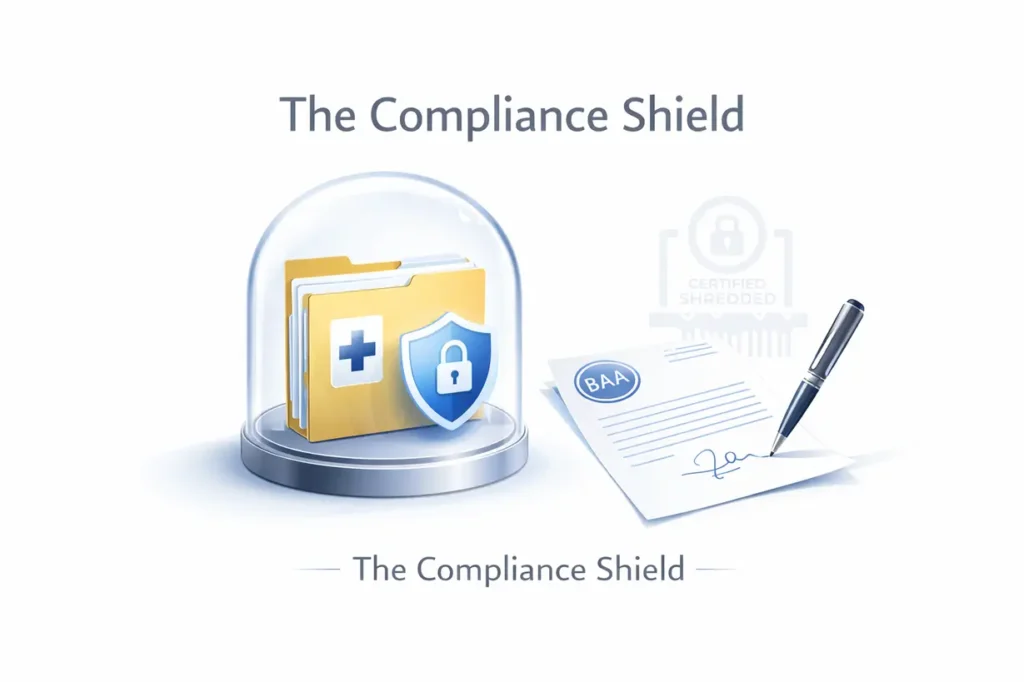
Here HIPAA violations happens when organizations use hosting providers, form tools, cloud storage, or software vendors without signed Business Associate Agreements (BAAs). This often occurs because the vendor is convenient or already in use, not because anyone intentionally ignores compliance.
Analogy
It is like handing someone keys to a secure office without a written agreement about how those keys can be used or copied.
How to avoid HIPAA violations
- Work only with vendors that are willing to sign BAAs before handling any patient information
- If a vendor refuses to sign a BAA, do not use them, even if the tool seems popular or easy to set up
Many common HIPAA violations begin with trusted vendors who were never formally held accountable.
3. Internal Access Out of Curiosity
What goes wrong
Occurs when staff members access patient records that are not required for their role. This is often not malicious. It usually happens out of curiosity, convenience, or unclear access boundaries.
Why this matters
HIPAA allows access to patient information only when it is necessary to perform job duties. Accessing records without a valid work-related reason is considered a violation, even if no data is shared externally.
How to avoid HIPAA violations
- Set up role-based access control so staff can only see what they need for their job
- Conduct regular access reviews to ensure permissions are still appropriate
- Create clear internal policies that explain who can access what data and why
Many common HIPAA violations happen internally, simply because access was never properly restricted.
4. Lost or Stolen Devices
What goes wrong
Violations happen when unencrypted laptops, tablets, or mobile phones containing patient data are lost or stolen. These devices often store emails, files, or system access that expose sensitive information if they fall into the wrong hands.
Real-world example
A device is left in a car, airport lounge, or café and later disappears. Even if the device itself is not used, the unprotected data inside it still counts as a HIPAA violation.
How to avoid HIPAA violations
- Encrypt all devices that may access or store patient information
- Enable remote wipe features so data can be erased if a device is lost
- Avoid storing PHI locally whenever possible by using secure, centralized systems
Many common HIPAA violations are triggered not by hacking, but by a single lost device without encryption.
5. Shared Login Credentials
What goes wrong
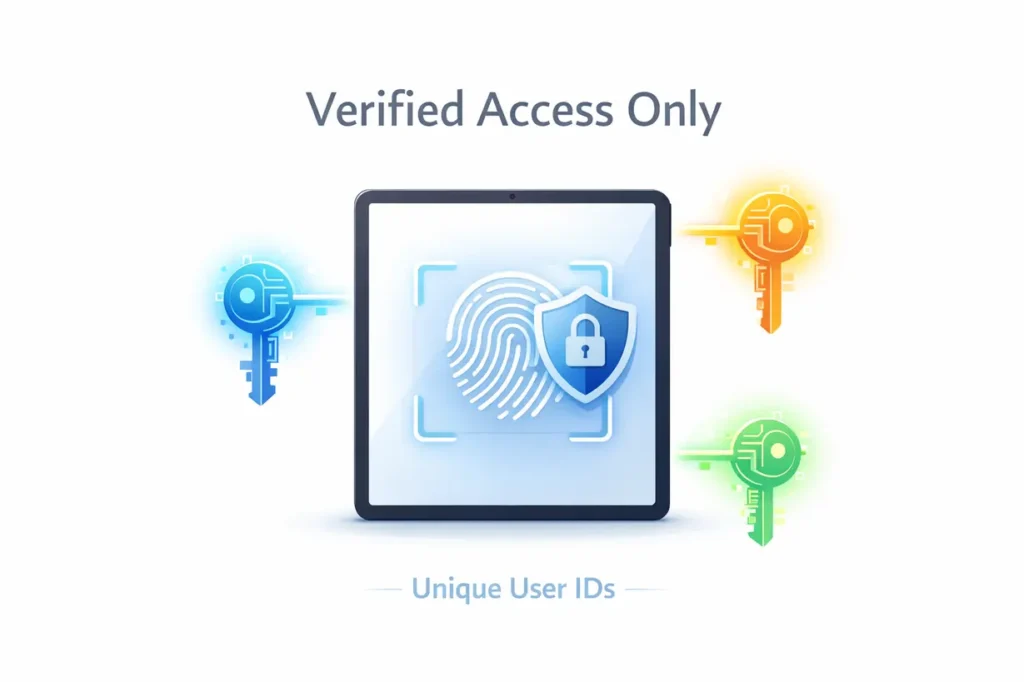
One of the most common HIPAA violations occurs when multiple users share a single login account. This usually happens for convenience, but it creates serious gaps in accountability and security.
Why this is a problem
When everyone uses the same login, it becomes impossible to track who accessed which patient records and when. HIPAA requires clear accountability for every access to protected health information.
How to avoid HIPAA violations
- Assign unique user IDs to every staff member
- Enforce strong password policies and regular password updates
- Use automatic session timeouts to prevent unattended access
Shared logins are one of the simplest common HIPAA violations to fix, yet they remain surprisingly widespread.
6. Social Media Oversharing
What goes wrong:
Photos or videos unintentionally capture patient information in the background.
Analogy:
It is like pinning a confidential document on a public notice board.
How to avoid HIPAA violations:
- Restrict device use in sensitive areas
- Review content before posting
- Provide staff training
7. Improper Data Disposal
What goes wrong:
Old systems or drives are deleted but not securely wiped.
Important truth:
Deleted data can often be recovered.
How to avoid it:
- Use certified secure wipe tools
- Physically destroy outdated storage when necessary
8. Tracking Tools on Medical Pages
What goes wrong:
Marketing or analytics tracking tools are installed on pages that collect patient information.
Why this is dangerous:
These tools can capture user behavior and identifiers.
How to avoid HIPAA violations:
- Remove tracking from all PHI-related pages
- Separate marketing pages from data collection pages
9. No Audit Logs
What goes wrong:
Systems do not record who accessed patient information and when.
HIPAA expectation:
You must be able to answer:
“Who accessed this data, and at what time?”
How to avoid it:
- Enable audit logging
- Review logs regularly
10. Delayed Breach Notification
What goes wrong:
Patients are informed too late after a data breach.
HIPAA requirement:
Notification must occur within 60 days.
How to avoid it:
- Create an incident response plan
- Define clear reporting responsibilities
11. Unsecured Network Access
What goes wrong:
Administrative systems are accessed over public or unsecured networks.
Analogy:
It is like discussing private matters over a loudspeaker.
How to avoid HIPAA violations:
- Use VPNs
- Restrict access by network or IP
12. Non-Secure Messaging Tools
What goes wrong:
Free chat or messaging tools store conversations in plain text.
Why it matters:
Patients often share sensitive information without realizing the risk.
How to avoid it:
- Use encrypted messaging systems
- Or disable messaging on medical pages
Common HIPAA Violations vs Safer Alternatives
| Common HIPAA Violation | Safer Alternative |
|---|---|
| Standard email | Encrypted email or secure portal |
| Shared login accounts | Unique user credentials |
| Free chat tools | Secure encrypted messaging |
| Generic online forms | HIPAA-compliant forms |
| Tracking on data pages | No tracking on PHI pages |
The Golden Rule for Avoiding HIPAA Violations
Before adding any tool, feature, or integration, ask one question:
“If this were a paper file, would I leave it in the waiting room?”
If the answer is no, the digital version needs the same level of protection.
Final Thoughts
HIPAA compliance is not about fear or paperwork. It is about responsibility. Healthcare organizations are trusted with deeply personal information, and that trust must be protected.
Understanding common HIPAA violations and knowing how to avoid HIPAA violations makes compliance manageable instead of overwhelming. With the right systems and awareness, most violations are completely preventable.
A secure medical website and workflow are not just legal requirements. They are part of modern, ethical patient care.